Which payment methods does hbbd accept?
hbbd supports four mobile banking services that are widely used across Bangladesh. All four work on both deposit and withdrawal. There are no bank transfer or card options right now — stick to mobile wallets for the fastest experience.
- bKashMobile Banking Deposit in~5 min Withdrawal in~14 min Min amount৳400
- NagadMobile Banking Deposit in~5 min Withdrawal in~14 min Min amount৳400
- RocketDBBL Mobile Banking Deposit in~5 min Withdrawal in~14 min Min amount৳400
- UpayUCB Mobile Banking Deposit in~5 min Withdrawal in~14 min Min amount৳400
What do you need before making your first deposit?
Three things need to be in place before the deposit screen even makes sense. Getting these right saves you from hitting a wall at the last step.
- A verified hbbd account. Register at /hbbd-register/ and confirm your phone number. The deposit screen is only accessible after you log in.
- Sufficient wallet balance. Your bKash, Nagad, Rocket or Upay account must have at least ৳400 available — that is the platform minimum.
- The correct hbbd deposit number. Always copy the recipient number directly from the hbbd cashier page each session. The number can change for security reasons; using an old number from a screenshot is the most common reason deposits go missing.
Use only the number shown in your cashier at the time of payment. hbbd rotates merchant numbers regularly. Any number saved from a previous visit may no longer be active.
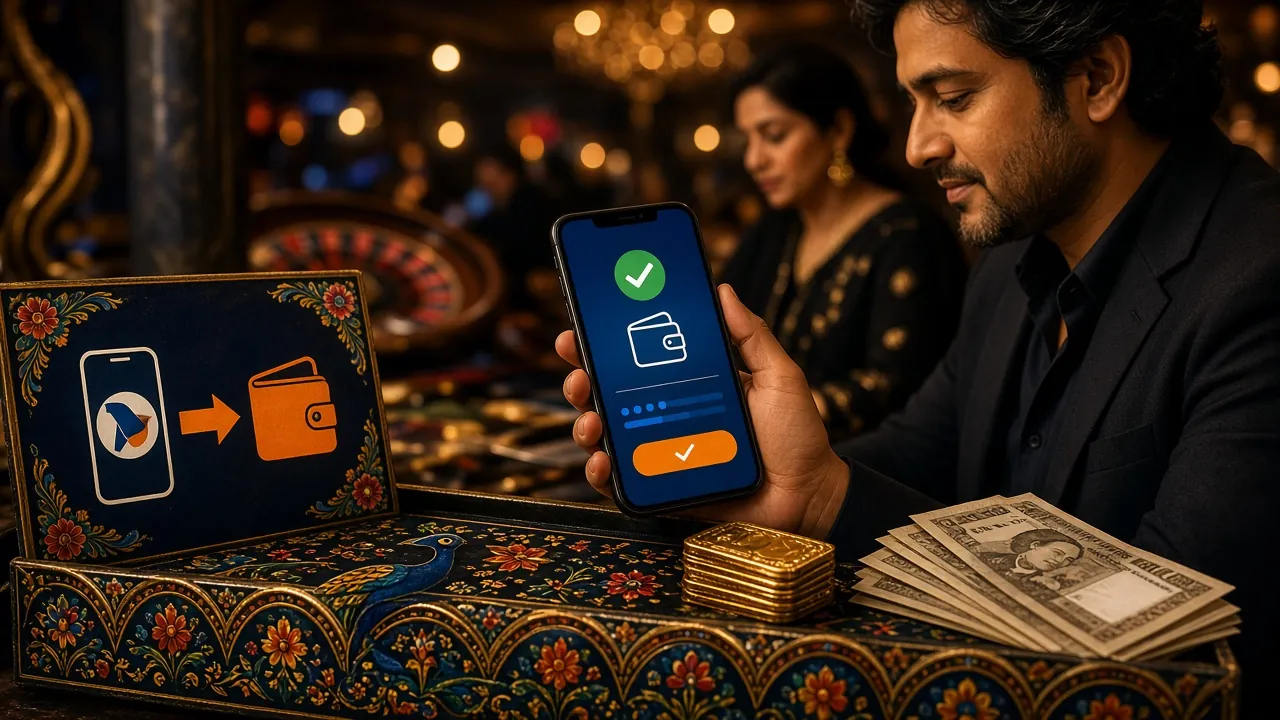
How to deposit via bKash
bKash is the most widely used mobile wallet in Bangladesh and the most popular deposit method on hbbd. The process takes under two minutes once your account is set up.
-
Log in and open the Deposit page
Go to hbbd via the app or browser. Log in, then tap Deposit in your account menu. Select bKash as your method.
-
Enter the amount and confirm
Type in the amount you want to deposit. Minimum is ৳400. Tap Submit — the system will generate a recipient bKash number for this transaction.
-
Open your bKash app and send money
In bKash, choose Send Money. Enter the recipient number shown on the hbbd cashier page. Enter the exact amount. Use your bKash PIN to confirm.
-
Copy the bKash Transaction ID
After bKash sends the confirmation SMS, copy the Transaction ID (TrxID — looks like 8 alphanumeric characters). You will need to paste it back into hbbd.
-
Submit the Transaction ID on hbbd
Return to the hbbd deposit page. Paste the TrxID and tap Confirm. Your balance should update within about 5 minutes.
How to deposit via Nagad
Nagad follows exactly the same flow as bKash. The key difference is that Nagad uses Add Money instead of Send Money for merchant payments — make sure you pick the right option to avoid a failed transaction.
Nagad — step by step
- Log in to hbbd → Deposit → select Nagad.
- Enter your deposit amount (minimum ৳400) and submit. A Nagad recipient number appears.
- Open the Nagad app. Tap Send Money. Enter the number from the hbbd cashier exactly.
- Enter the same amount. Enter your Nagad PIN and approve the transaction.
- Nagad sends a confirmation SMS with a Transaction ID. Copy it.
- Return to hbbd, paste the Transaction ID and tap Confirm. Credit arrives in about 5 minutes.
How to deposit via Rocket
Rocket (Dutch-Bangla Bank's mobile banking service) is a good fallback if your bKash or Nagad balance is low. The PIN for Rocket is 5 digits — do not confuse it with your bank card PIN.
Rocket — step by step
- Log in to hbbd → Deposit → select Rocket.
- Enter the amount (minimum ৳400). The cashier page shows a Rocket recipient number.
- Open the Rocket app or dial
*322#from your registered number. - Choose Send Money. Enter the recipient number and amount.
- Enter your 5-digit Rocket PIN and confirm.
- You receive an SMS with a Transaction ID. Paste it into the hbbd deposit form and tap Confirm.
How to deposit via Upay
Upay is UCB's mobile wallet. It is less common but fully supported on hbbd and works identically to the other three services.
Upay — step by step
- Log in to hbbd → Deposit → select Upay.
- Enter the deposit amount and submit. Note the Upay recipient number on the cashier page.
- Open your Upay app. Tap Send Money. Enter the recipient number and the exact amount.
- Enter your Upay PIN and confirm the payment.
- Copy the Transaction ID from the confirmation screen or SMS.
- Go back to hbbd, enter the Transaction ID and tap Confirm. Balance updates in about 5 minutes.
Deposit timing and daily limits
Deposits are processed around the clock. There is no scheduled maintenance window that blocks payments, though very occasional network issues on the mobile wallet provider's side can cause short delays.
| Detail | bKash | Nagad | Rocket | Upay |
|---|---|---|---|---|
| Minimum deposit | ৳400 | ৳400 | ৳400 | ৳400 |
| Typical credit time | ~5 min | ~5 min | ~5 min | ~5 min |
| Availability | 24/7 | 24/7 | 24/7 | 24/7 |
| Transaction ID required | Yes | Yes | Yes | Yes |
If your deposit has not appeared after 15 minutes, contact hbbd Live Chat and share your Transaction ID, the amount, the method and the time of transfer. Support is available 24/7.
Does your first deposit trigger the welcome bonus?
Yes — hbbd automatically applies a 165% welcome bonus on your first deposit, up to ৳11,500 in bonus funds. If you deposit ৳1,000, hbbd adds ৳1,650 to your bonus balance. The bonus is credited alongside your deposit, so you can start playing immediately.
The wagering requirement is 12× the total of deposit plus bonus before you can withdraw bonus-derived winnings. The bonus is valid for 7 days from the time it is credited.
Why did my deposit fail? Common errors and fixes
Most failed deposits come down to one of five problems. The table below lists each one and how to resolve it quickly.
| Error / Symptom | Most likely cause | What to do |
|---|---|---|
| Money sent but balance not updated | Transaction ID was not submitted on hbbd, or was entered incorrectly | Go back to the hbbd deposit form. Enter the exact TrxID from your mobile banking SMS. If the form has timed out, contact Live Chat with the TrxID. |
| bKash / Nagad says "Invalid account" | The recipient number on the hbbd cashier page has changed since you last loaded it | Refresh the hbbd deposit page to get a fresh recipient number. Never reuse a number from a screenshot. |
| Deposit form says "Amount too low" | You entered less than ৳400 | Increase the amount to at least ৳400 and resubmit. |
| bKash transaction declined at PIN step | Insufficient bKash balance or daily send-money limit reached | Add funds to your bKash account, or try Nagad / Rocket / Upay instead. |
| Deposit stuck on "Pending" for over 15 minutes | Temporary mobile banking network delay, or the TrxID was not submitted | Contact hbbd Live Chat. Share the TrxID, payment method, amount and time. Keep the mobile banking confirmation SMS as proof. |
Never send money to any number not shown on the official hbbd cashier page. hbbd will not be able to refund payments sent to unverified numbers. If you are ever asked to deposit to a WhatsApp number or a personal account, that is a scam.
Questions players ask about deposits
Can I deposit less than ৳400?
No. The minimum deposit on hbbd is ৳400 regardless of which payment method you use. Any transaction below this amount will be rejected by the system before it reaches your balance.
How long does a deposit actually take to appear?
In normal conditions, deposits credit in about 5 minutes. The clock starts when you submit the Transaction ID on the hbbd cashier page — not when you send the money in your wallet app. If you send the money but forget to submit the TrxID, the balance will not update until you do.
Do I need to submit a Transaction ID every time?
Yes, every single deposit requires a Transaction ID. This is how hbbd matches your payment to your account. The TrxID arrives in the confirmation SMS from bKash, Nagad, Rocket or Upay right after the payment goes through.
Can I deposit from someone else's bKash account?
hbbd strongly recommends using a mobile wallet registered in your own name. Using a third-party wallet may cause your deposit to be held for verification, and it can complicate the KYC process when you go to withdraw.
Is there a maximum deposit amount per day?
hbbd does not publish a fixed daily deposit ceiling on the platform, but each mobile wallet (bKash, Nagad, Rocket, Upay) has its own daily send-money limits set by the provider. Check your wallet app for your current limit if you plan to deposit a large amount.
Will my first deposit automatically get the 165% bonus?
Yes — the welcome bonus is applied automatically on your first qualifying deposit of ৳400 or more. You do not need to enter a promo code. The bonus funds appear in your account alongside your deposit balance, usually within a few minutes.
What if I deposited but want to cancel before the bonus applies?
Once a deposit is processed and the bonus credited, it cannot be reversed from your side. If you have a specific concern about bonus terms before depositing, contact hbbd Live Chat at any time — support runs 24 hours a day, 7 days a week.
Can I use the hbbd app to make deposits?
Yes. The hbbd app (Android, version 3.5.19, 45 MB, requires Android 8.0 or later) includes the full cashier with all four payment methods. Download it at /hbbd-app/. The process is identical to the browser version.
Ready to make your first hbbd deposit?
Create your account, add ৳400 or more, and your 165% welcome bonus lands automatically. Use bKash, Nagad, Rocket or Upay.